How WaypointCareer works
WaypointCareer is a career intelligence platform — not just a job board. Set your trajectory, score your readiness, run a daily practice, build your network, and (when you’re ready to move) tune a precision job radar — all in one place. Here’s how the pieces fit together.
Inside the app, from gap to offer.
Real WaypointCareer screens, shown with demo data for a director preparing for a VP role.
- 01
Know where you stand
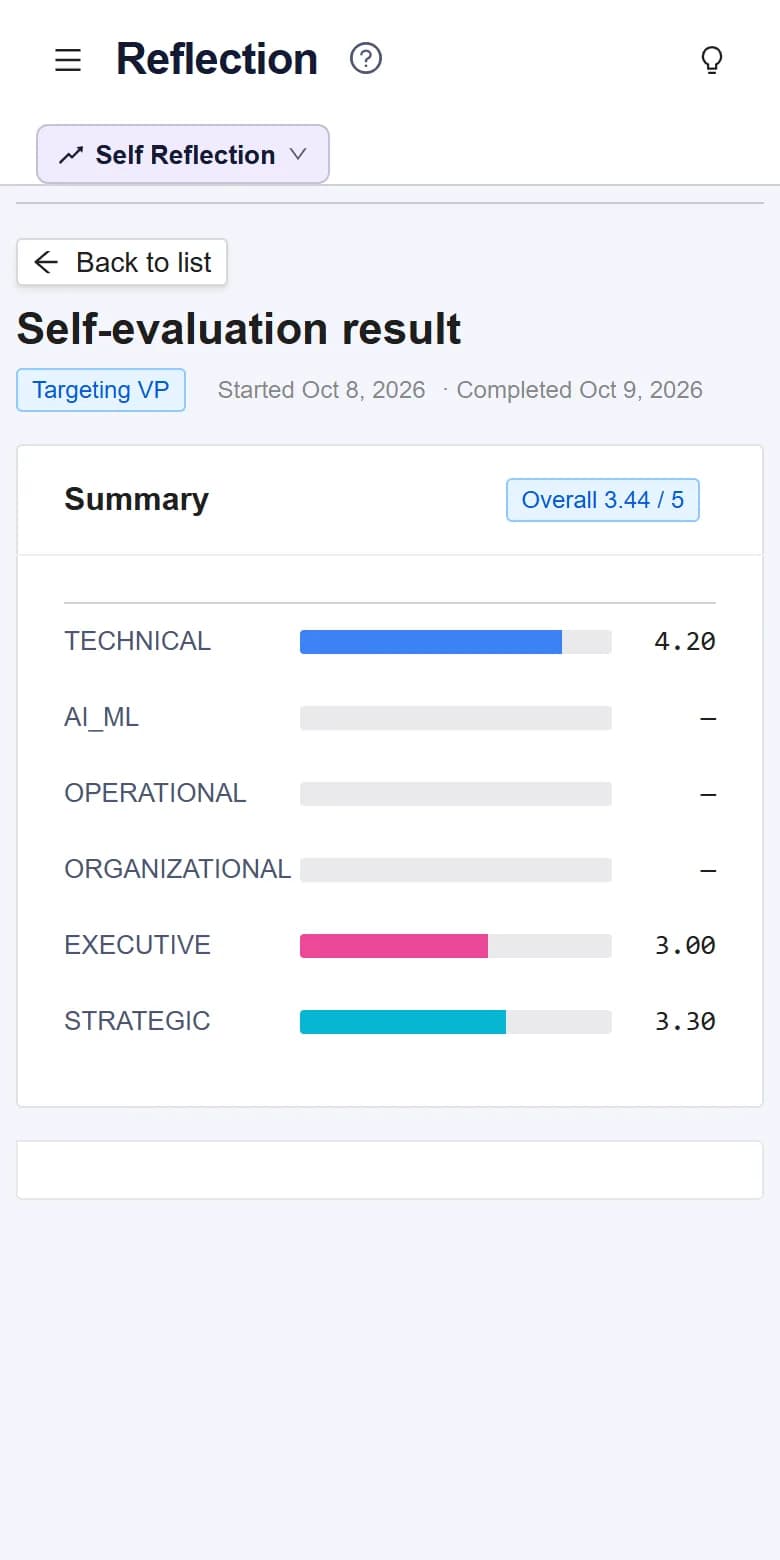
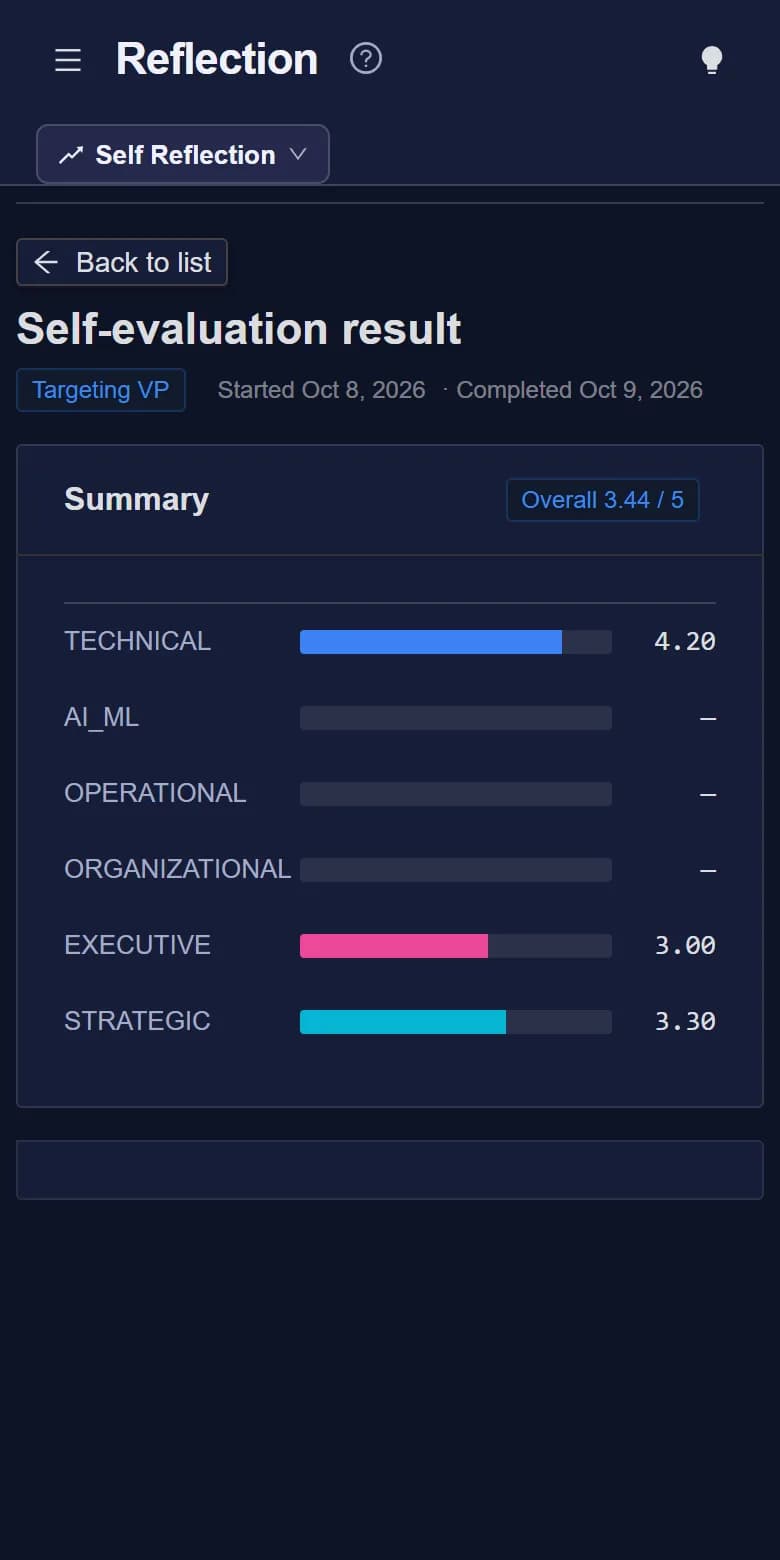
A Self Reflection scores you against the level you’re aiming for, so you know which areas to work on first.
- 02
Turn gaps into goals
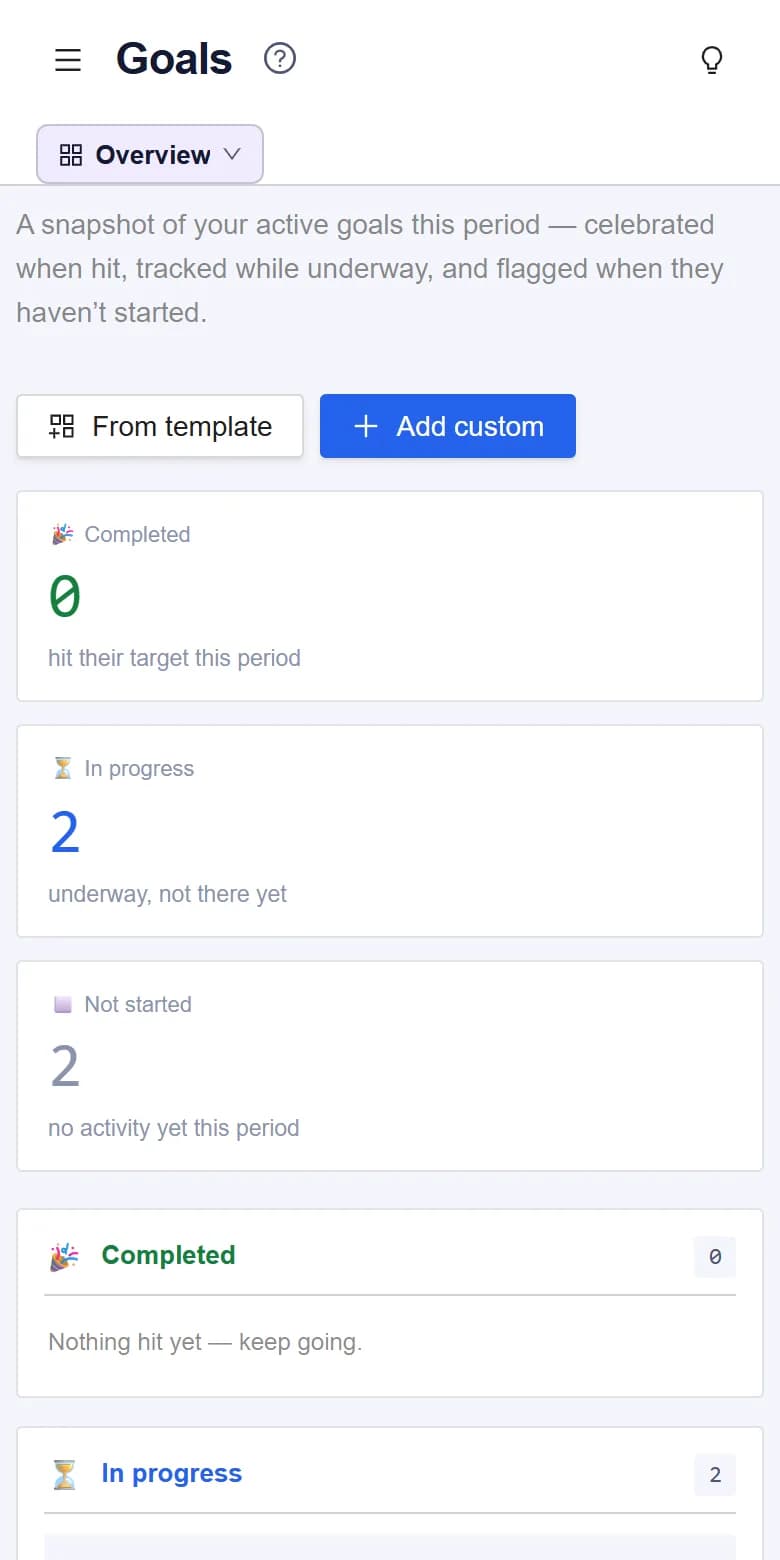
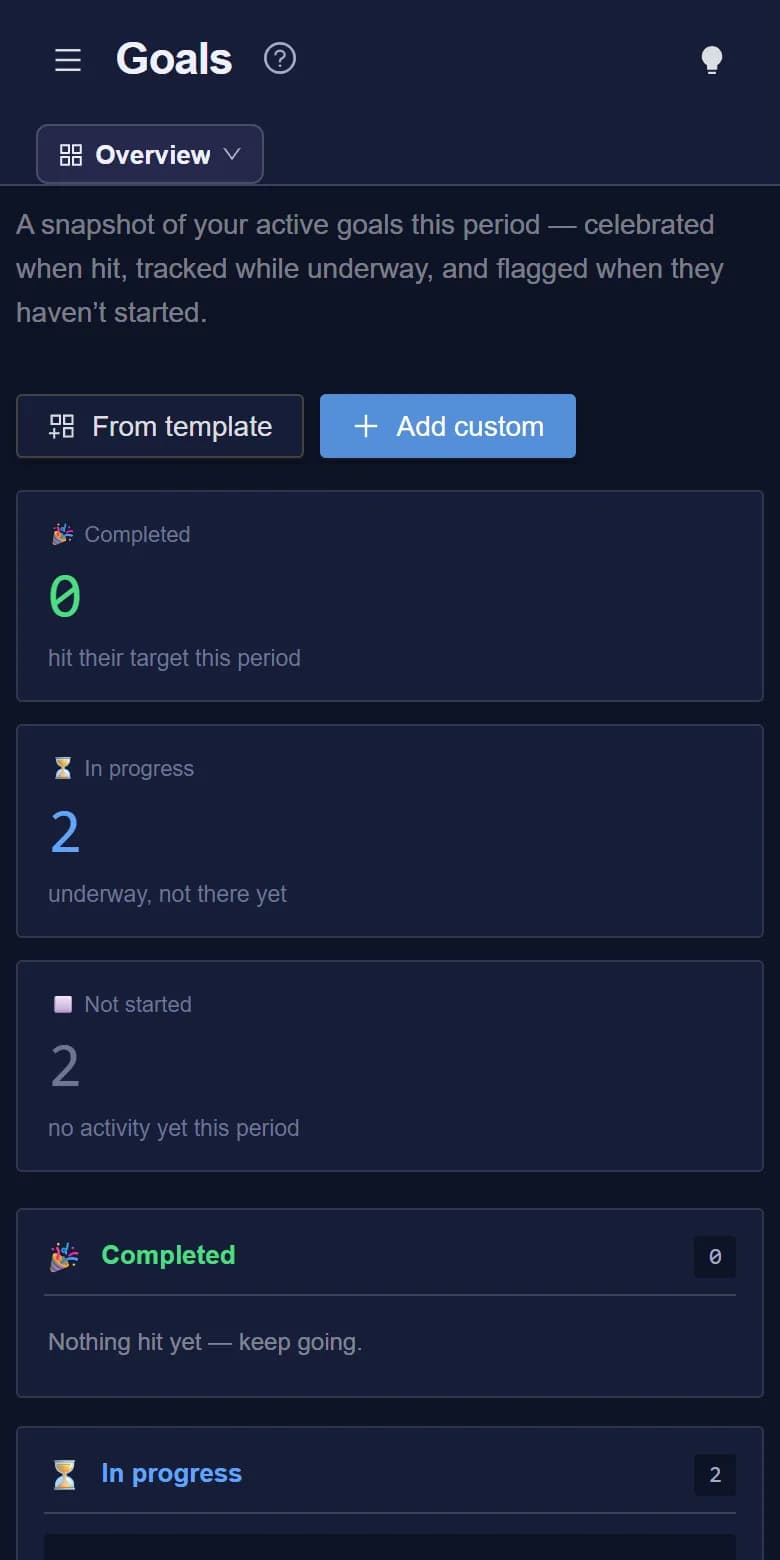
Weekly and monthly goals track your progress, and recommended goals target your biggest gaps.
- 03
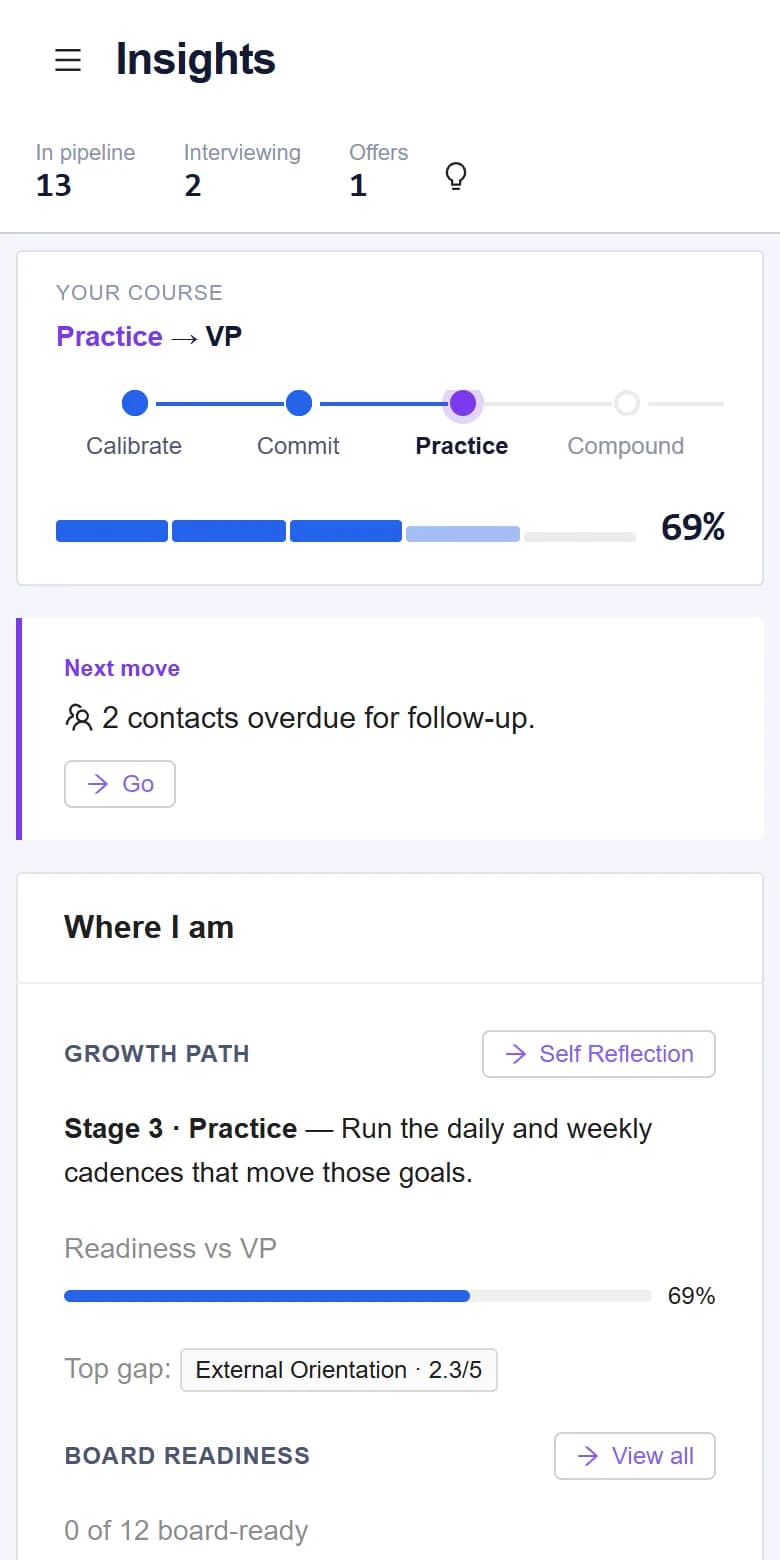
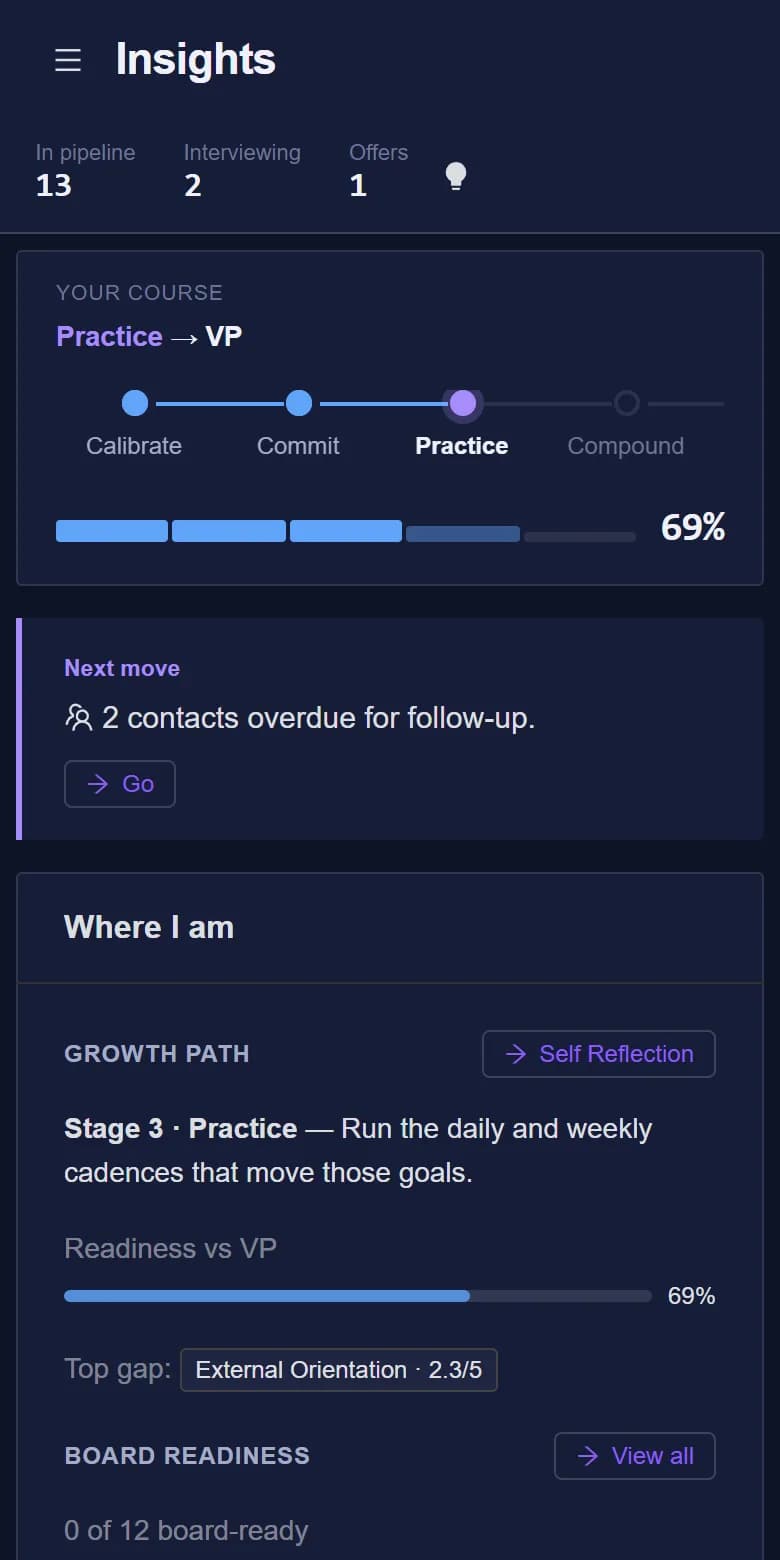
See your week at a glance
Insights brings together goal progress, your weekly routines, the job pipeline and overdue follow-ups.
- 04
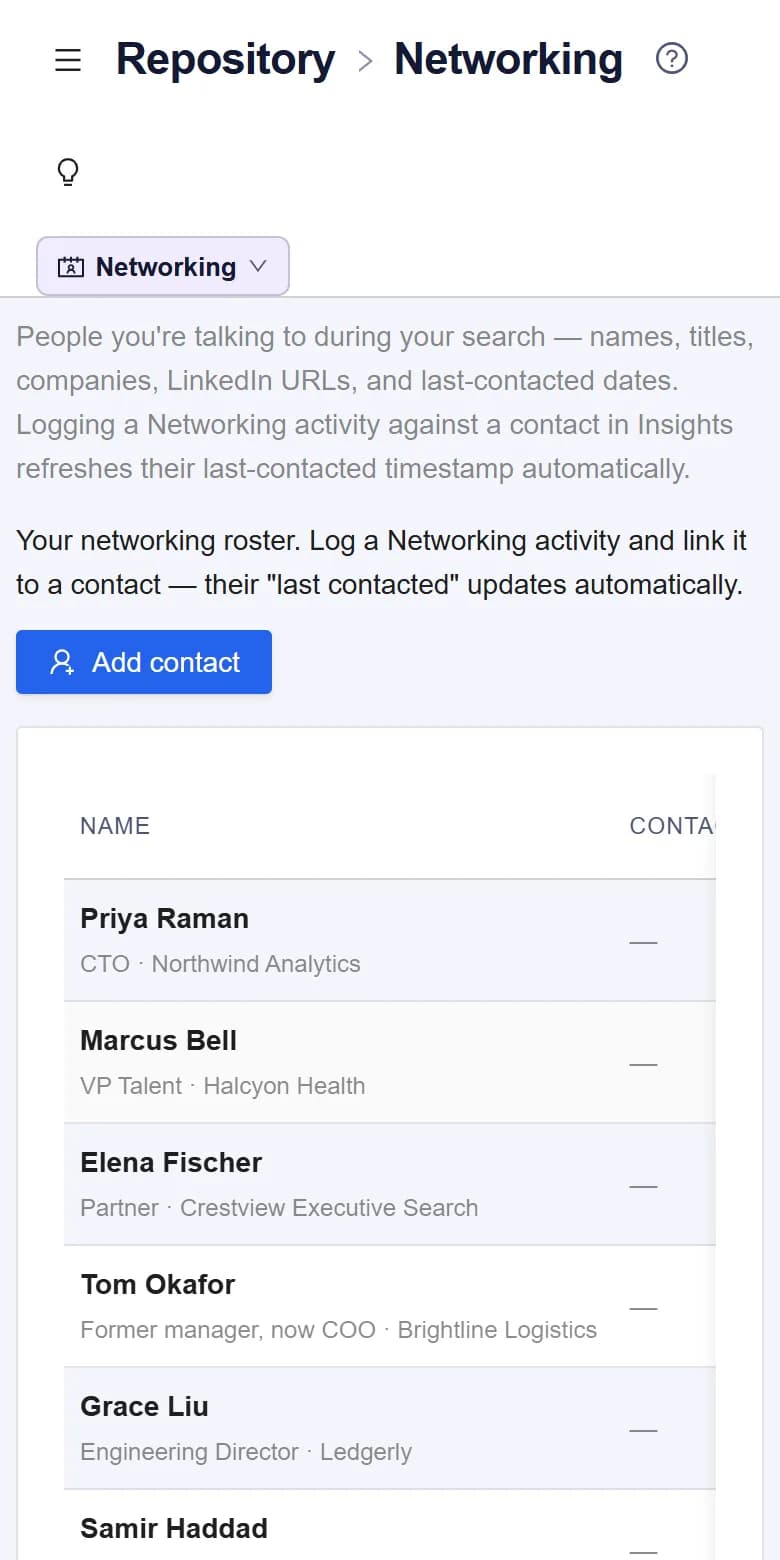
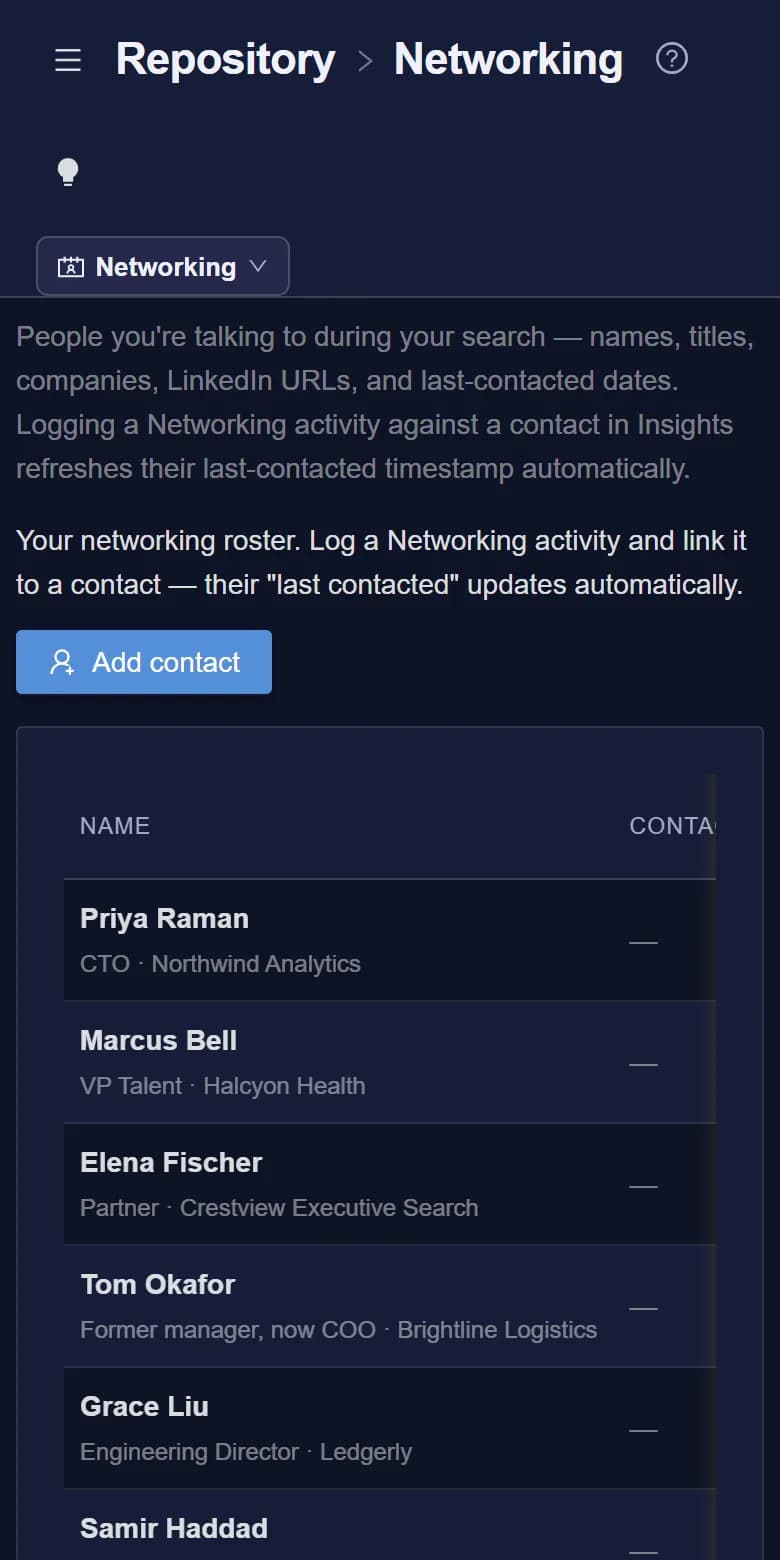
Keep your network warm
Every contact shows when you last spoke, so the relationships that matter don’t go cold.
- 05
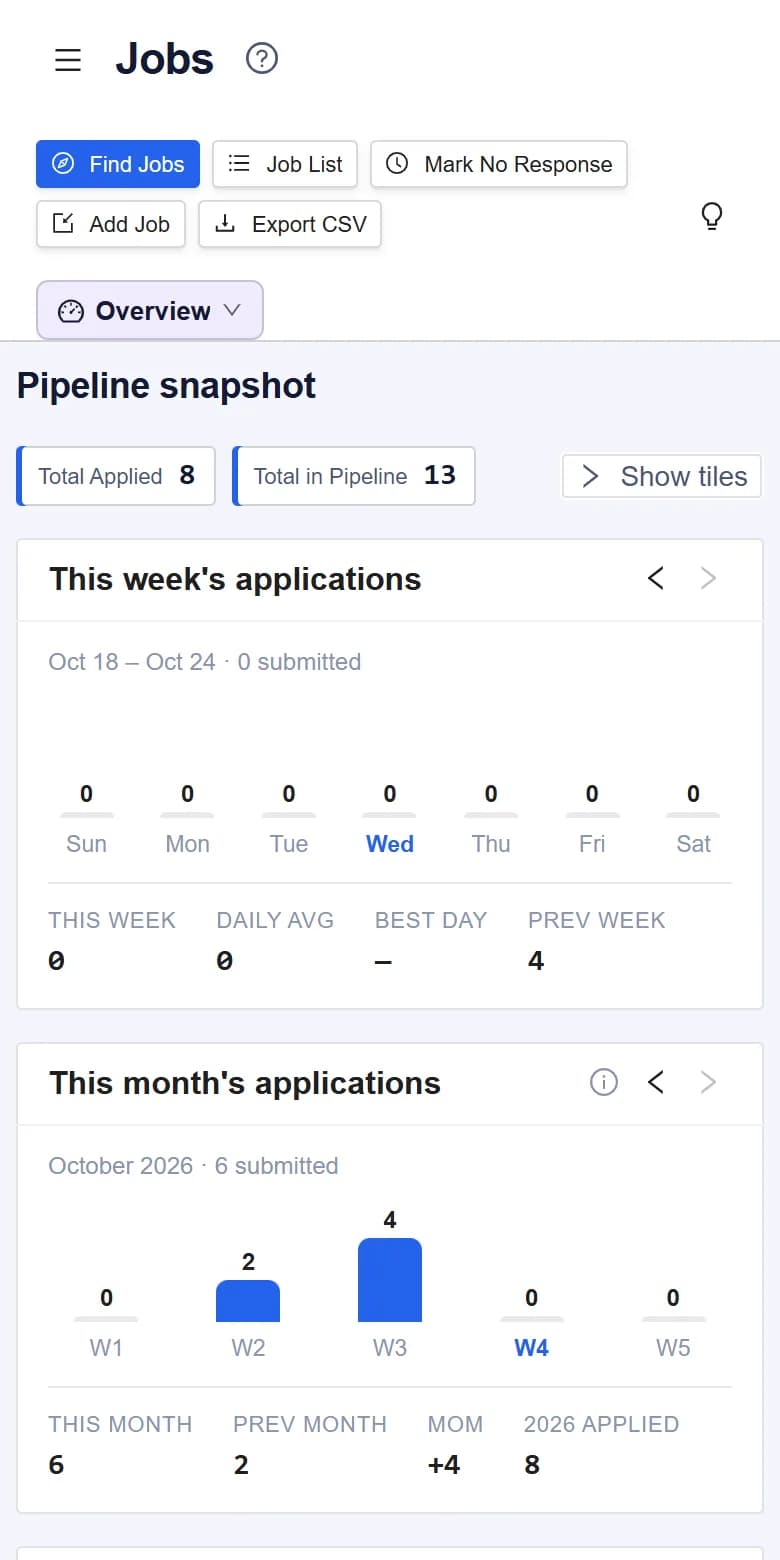
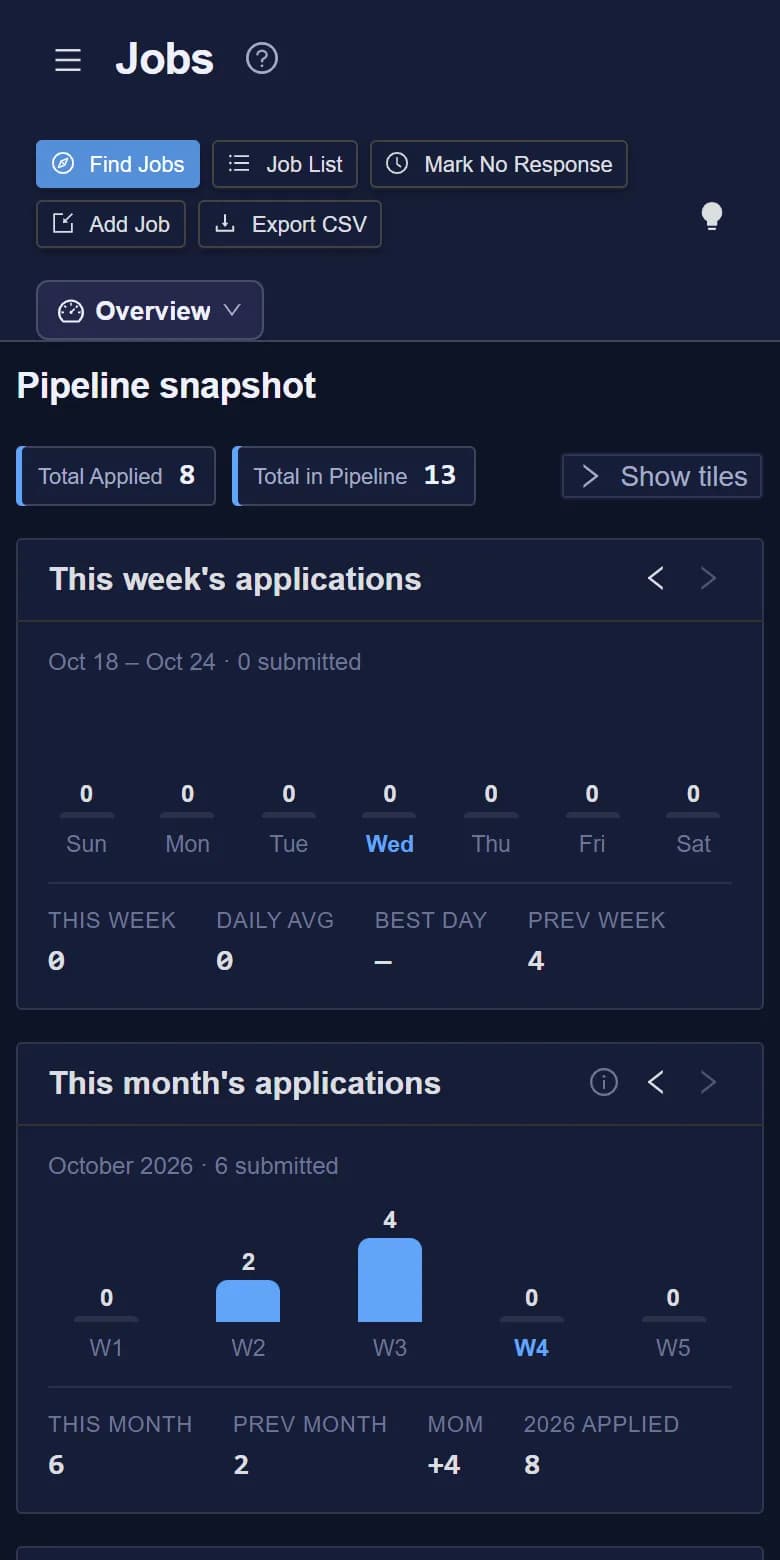
Run a focused job pipeline
Track each role from first look to offer, with a fit score to help you decide where to spend your time.
Create Your Account
Sign up with email and a secure password — that’s it. No credit card, no upfront subscription. Every job, contact, evaluation, and AI session you create is private to your account and never shared with other users.
Set Your Career Direction
Tell WaypointCareer where you’re going. These few settings shape everything else — from the questions in your self-assessment to your daily plan to which job postings reach you.
One of eight levels, from Manager and Senior Manager up through Director, Senior Director, VP, SVP, EVP, and C-Level — the level you’re aiming for next. Drives the Self Reflection question set, the “what a 5 looks like” example on every question, and AI prep tone.
Unemployed, actively looking, passively open, or market-awareness only. Sets your daily activity plan in Insights — a full-focus rhythm when you’re between roles, a 20-minute maintenance loop when you’re passively open.
Set a USD floor. Postings below it are auto-suppressed with the reason recorded so you can re-filter later if you change your mind.
Pick Claude, Gemini, or ChatGPT for interview prep, role tips, search-firm suggestions, and content summaries. Included with your plan’s monthly AI allowance — no key required. When your admin runs a self-hosted Local endpoint, a private “Local” option also appears that keeps every prompt on our own infrastructure. Configure once, switch any time.
Score Your Readiness with Self Reflection
Before chasing the next role, know where you stand. WaypointCareer ships a level-specific question bank — up to fifteen leadership domains (Technical, AI / ML, Strategic, Operational, Financial, Stakeholder, Board Communication, and more) across eight career levels, with 25 questions per domain. Each reflection draws six questions from every domain you choose and walks you through them one at a time. Each prompt comes with a behavioural anchor describing what a 5/5 looks like at your target level, so the reflection stays honest. This is the Calibrate stage of your growth path.
One Question at a Time
Stepper UI with Previous / Skip / Next. Skip leaves the question for later; per-domain progress chips let you jump directly to the section you want to tackle.
Per-Domain Scoring
The system aggregates your scores by domain on completion, with bar-chart visuals. Re-run it regularly to watch your scores change over time.
How Often You Can Re-run
How often depends on your plan — Free yearly, Managerial every 60 days, Directorship every 45 days, Leadership every 30 days, Executive every 14 days. The app always shows when your next self-assessment is available.
Curated Question Catalog
Admins keep the question set fresh as the bar shifts in each domain. Your historical responses stay anchored to stable IDs — admin renames never break your past evaluations.
Build a Steady Rhythm in Insights + Set Goals
Career growth is a steady habit, not a campaign. Insights translates your current status into a concrete daily target — minutes by activity type — and tracks what you actually do. Goals layer on top with measurable targets across daily, weekly, monthly, quarterly, and yearly horizons. Today vs target, weekly per-type summary, and goal hit-rate over time all make momentum visible. This is where Commit and Practice live — turning intent into a daily habit.
Status-Tailored Plan
A full-focus rhythm when you’re between roles — across search, networking, search firms, skill-building, and interview prep. A 20-minute maintenance loop when you’re passively open. Everyone gets one that fits.
Activity Logging
Log minutes against five activity types — search, skills, interview prep, networking, search firms. Today vs target and a weekly per-type breakdown visualize progress.
Goals (Daily → Yearly)
two dozen exec-focused templates plus custom metrics. Pick what to measure (search time, applications, books finished, board meetings, thought-leadership artifacts, …) and how often. Most metrics auto-track from your existing activity.
Content Summarization
Paste a transcript or article up to 100,000 characters; your configured AI digests it into a one-paragraph summary you can revisit alongside the original log entry.
Build Your Network & Watchlist
The right job rarely arrives via a public board. Track the people, firms, companies, and reading you’re cultivating in one place — and let activity logging keep the signals fresh.
Networking Contacts
Name, title, company, email, LinkedIn URL, and a last-contacted date that updates automatically when you log a Networking activity linked to that contact.
Executive Search Firms
Track firms and contact people with focus area, region, and last-contacted date. Ask AI for a shortlist of firms that fit your target title and region; you choose which to add, and nothing contacts a firm for you.
Favorite Companies
Follow target companies through the global directory. New postings from them appear higher in your pipeline so the brands you care about don’t get lost in the wave.
Reading List
Curated articles, videos, and links you want to come back to. Pair with content summarization in Insights to keep the wisdom captured, not just bookmarked.
Courses
Track the courses you want to take, are taking, and have completed — tagged to the growth areas they build. Paid members get course suggestions drawn from their weakest Self Reflection domains, with an optional AI assist for fresh ideas.
Memorable Experiences
Capture professional stories you can reach for in scenario-based interviews. Write free-form, tag by domain + level, then let AI convert the body into STAR (Situation / Task / Action / Result + Lessons) on demand. Or dictate the whole thing — audio never leaves your browser.
Notes & Quotes
Standalone capture for notes and quotes that aren’t tied to a book or article. Two kinds — notes and quotes — with the source and a link on quotes. Searchable by tag.
AI Career Tools
Every AI tool runs on your choice of Claude, Gemini, or ChatGPT — included with your plan’s monthly AI allowance, with automatic fallback when a provider has an outage. Run out? Buy more usage anytime, or bring your own API key for unmetered use. When a provider does error (quota exhausted, rate limit, invalid key), the app shows an exact, actionable message with the billing / status URL to fix it.
Role Tips
One click generates an AI breakdown of any role: responsibilities, what hiring managers look for, concerns to address, and questions to ask. Answers are shared by job title, so a role someone has already asked about loads instantly and doesn’t use your AI allowance.
Interview Prep
A flat per-user question bank at My Question Bank for default answers, plus per-round prep inside each Job's Interview Prep tab — pick questions from the bank, edit per-round answers tailored to that round's audience, and export the answered set to PDF. AI drafts your bank-default answer grounded in your resume and the job description.
Resume Upload & Parsing
Drop a PDF or DOCX once. Parsed text feeds every AI session automatically — no copy-paste between tools.
Search-Firm Suggestions
Tell the AI your target title and region; it returns 8–15 relevant executive search firms with likely contact titles and focus areas. You pick which to add to your list; nothing is sent to the firms.
Tune the Job Radar
When you’re ready to look, dial in the radar. Add the keywords, locations, and exclude words that shape what reaches you. The platform handles the rest: it collects postings from 27 sources — public job boards, government listings and company career sites on hiring platforms such as Greenhouse, Lever and Workday — refreshed through the day, then matched against your filters twice a day. All 27 are on every plan; Leadership and Executive also get a premium feed from major job sites.
Title fragments — “VP Engineering”, “Staff SRE”, “Director of Platform”. These decide which roles reach you.
Cities, states, regions, or “Remote”. Postings that don't match are set aside as a location mismatch (one-click flip to Remote if a posting is actually remote-eligible).
Don’t want fintech? Don’t want junior? Add the words; matching titles are set aside as excluded — never silently dropped.
Matching runs twice daily — 5 AM and 2 PM PST — for everyone. New postings land in Pending Review after the next run.
How your job feed is built
Each source is checked on its own schedule and added to one shared pool of jobs: open public sources about hourly during the US working day, providers with usage limits twice daily, and the premium job-site feed on a schedule we set.
The same role posted on multiple boards becomes a single listing. A re-listing within 90 days bumps the freshness timestamp instead of duplicating.
Twice daily the platform checks the shared pool for every active subscriber and applies their keywords, locations, exclude words, and salary floor.
Set-aside jobs land with the reason recorded — location mismatch, below your salary floor, an excluded title, or not relevant to your keywords. Use Re-filter last 30 days to bring them back if you adjust the rules.
Free, Managerial and Directorship see jobs from the public sources. Leadership and Executive also get a premium feed of jobs from major job sites (LinkedIn, Indeed, Glassdoor, Built In, ZipRecruiter, Dice, Google Jobs) plus higher caps on keywords, locations, AI usage, and retention.
Every refresh is recorded so source health and freshness stay transparent.
Looking for what's coming next? See the product roadmap →
Ready to take the next step?
Build the career brand that opens doors before you ask. WaypointCareer keeps your readiness, your network, and your story in shape — quietly, week by week.